
This manual introduces the use of Olympus FE-200 digital camera.
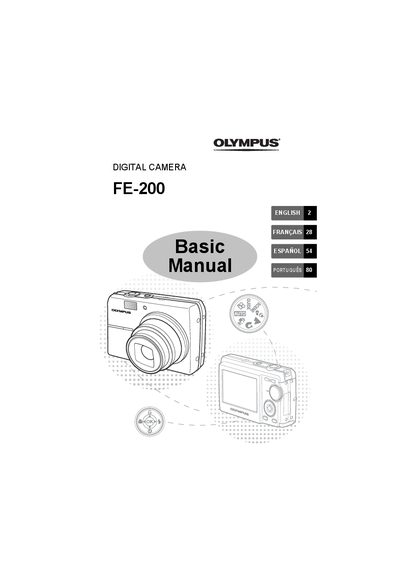
This manual provides basic operation instructions for the Olympus FE-200 digital camera. It covers essential tasks such as gathering box contents, inserting batteries, setting date and time, selecting languages, and turning on the power.
The guide details various shooting features including Scene Modes (Portrait, Landscape, Night), Macro Mode, Flash settings, and Self-Timer functionality. It also explains how to view pictures on the LCD or a TV, erase images, and transfer data via USB cable or Direct Printing.
The charging time is approximately 2 hours.
To turn off the camera, press the POWER button again after it has been turned on.
Yes, you can add other languages using the provided OLYMPUS Master software.