
Olympus FE-220/X-785 Digital Camera Basic Manual

This manual describes the basic operations and functions of the FE-220/X-785 digital camera.
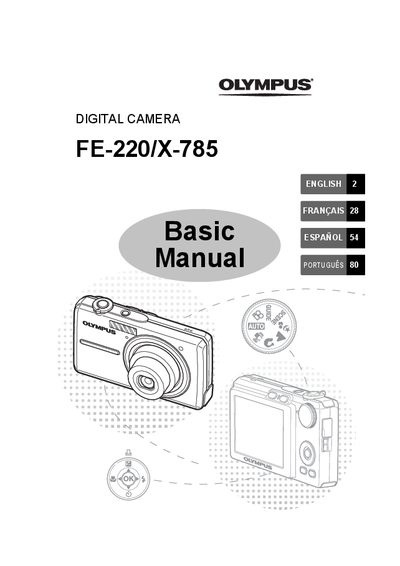

Olympus FE-220/X-785 Digital Camera Basic Manual - cover page
Brand
Olympus
Category
Digital cameras
Document type
User Manual
Language
English
Pages
108
File format
PDF
File size
6 MB
Published
08 June, 2012
Updated
30 September, 2023
Models
FE-220, X-785
MD5 checksum
316D0555B44340EC49D11533975397A0

About this manual

This manual provides basic instructions for using the Olympus FE-220/X-785 digital camera. It covers gathering box contents, preparing the battery, setting the date and time, selecting languages, and turning the camera on in various shooting modes.

The guide details how to use the Mode Dial for different scene types like Portrait or Landscape, utilizes Scene Modes, and explains Flash Modes. It also includes instructions for reviewing pictures, erasing images, connecting the camera to a TV via AV cable, and using Direct Printing with PictBridge.

What's inside

  • Gather these items
  • Prepare the battery
  • Turn the camera on
  • Set date and time
  • Select a Language
  • Shooting Mode Buttons
  • Mode Dial
  • SCENE Modes
  • Flash Modes
  • Connecting the Camera

Specifications

Charging TimeApprox. 300 minutes

Frequently asked questions

Does this camera require an xD-Picture Card to take pictures?

No, the camera does not require an optional xD-Picture Card to take pictures.

What is the time format displayed on the camera?

The time is displayed in the 24-hour format.

Download PDF (6 MB)

More Olympus Manuals


View all Olympus manuals →