
Olympus FE-250/X-800 Digital Camera Basic Manual

This document is a basic manual that provides instructions on how to use and the features of a digital camera.
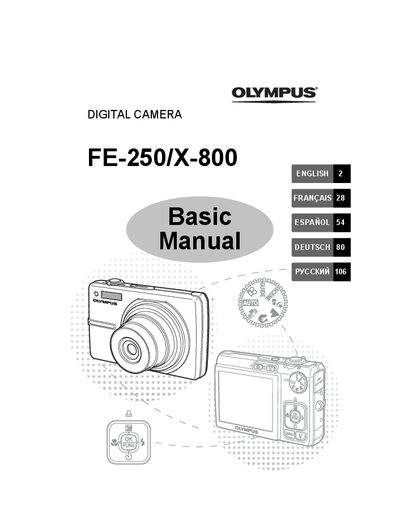

Olympus FE-250/X-800 Digital Camera Basic Manual - cover page
Brand
Olympus
Category
Digital cameras
Document type
User Manual
Language
English
Pages
132
File format
PDF
File size
10.7 MB
Published
08 June, 2012
Updated
28 September, 2023
Models
FE-250, X-800
MD5 checksum
09355D15277818CE0599FC9D9BCF3020

About this manual

This document is the Basic Manual for the Olympus FE-250/X-800 digital camera. It guides users through initial setup tasks such as attaching the strap, preparing the battery, turning on the device, setting the date and time, and selecting a language. The manual also explains how to attach the strap securely and insert the optional xD-Picture Card.

What's inside

  • Gather these items
  • Attach the strap
  • Prepare the battery
  • Turn the camera on
  • Set the date and time
  • Set the language
  • Shooting Mode Buttons
  • Scene Modes
  • Flash Modes
  • Menus and settings

Specifications

Battery TypeLithium ion Battery (LI-42B)
Charging TimeApprox. 300 minutes

Frequently asked questions

Can I take pictures without an xD-Picture Card?

Yes, you can take pictures without inserting the optional xD-Picture Card.

How do I turn off the camera?

Press the POWER button once again to turn off the camera.

Download PDF (10.7 MB)

More Olympus Manuals


View all Olympus manuals →