
This manual introduces the operations of the buttons, menus, printing pictures, and using OLYMPUS Master software on the Olympus FE-200 digital camera.
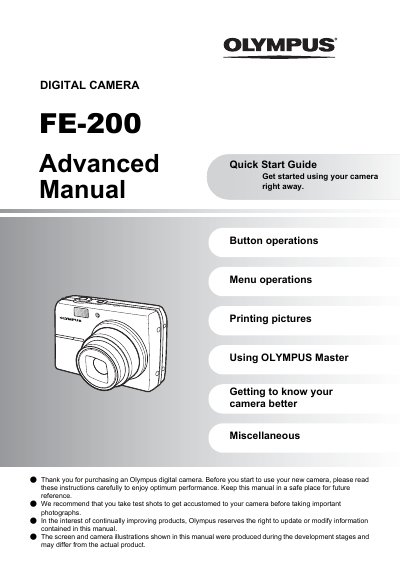
This document serves as an advanced quick start guide for the Olympus FE-200 digital camera. It is designed to help users get started immediately with essential tasks such as charging the battery, setting up date and time, and turning on the device in shooting mode.
The guide details operations for various buttons including the power switch, shutter button, and zoom lever. It also explains how to navigate menu options like scene modes (Still picture shooting modes), guide mode, and super macro mode. Additionally, it covers procedures for printing pictures, transferring data via USB cable, and utilizing the OLYMPUS Master software.
The charging time is approximately 2 hours.
To turn off the camera, press the POWER button again.