
Olympus FE-210/X-775 Digital Camera Basic Manual

This document is a user manual for the Olympus FE-210/X-775 digital camera
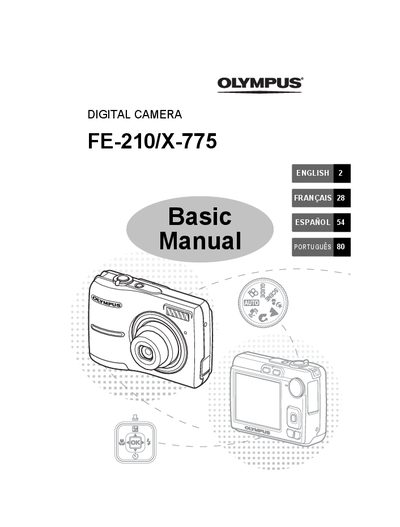

Olympus FE-210/X-775 Digital Camera Basic Manual - cover page
Brand
Olympus
Category
Digital cameras
Document type
User Manual
Language
English
Pages
108
File format
PDF
File size
5.5 MB
Published
08 June, 2012
Updated
30 September, 2023
Models
FE-210, X-775
MD5 checksum
F502441B579EA9365D19D4749C22885C

About this manual

This document serves as a basic user guide for the Olympus FE-210/X-775 digital camera. It provides step-by-step instructions for initial setup, including gathering box contents, inserting batteries, setting the date and time, and selecting the language. The manual explains how to turn the camera on and off using the POWER button.

What's inside

  • Gather these items
  • Insert the batteries
  • Turn the camera on
  • Set date and time
  • Select a Language
  • Shooting Mode Buttons
  • Mode dial
  • SCENE Modes
  • Flash Modes
  • Self Timer

Frequently asked questions

What is the purpose of the mode dial setting 'A'?

The function allows you to shoot with the camera's automatic settings.

How do you turn off the camera?

To turn off the camera, press the POWER button once again.

Download PDF (5.5 MB)

More Olympus Manuals


View all Olympus manuals →