
OLYMPUS FE-290/X-825 Digital Camera Basic Manual

This is a user manual for the Olympus FE-290 digital camera. It introduces the camera's operation, operation steps and functional features.
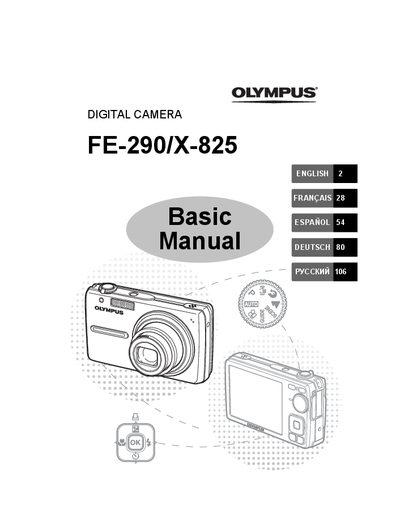

OLYMPUS FE-290/X-825 Digital Camera Basic Manual - cover page
Brand
Olympus
Category
Digital cameras
Document type
User Manual
Language
English
Pages
132
File format
PDF
File size
8.9 MB
Published
08 June, 2012
Updated
30 September, 2023
Models
FE-290, X-825
MD5 checksum
4B2AF0F1419C0378FD04F44FF4390756

About this manual

This document serves as a basic user guide for the OLYMPUS FE-290/X-825 digital camera. It provides step-by-step instructions on preparing the device, including charging the LI-42B battery, inserting the xD-Picture Card, and attaching the strap. The manual details how to turn the camera on and off using the POWER button and explains the function of the mode dial for still pictures and movies.

What's inside

  • Gather these items
  • Attach the Strap
  • Prepare the camera
  • Turn the camera on
  • Set the date and time
  • Shooting Mode Buttons
  • Scene Modes
  • Flash Modes
  • Menus and settings
  • Connecting the camera

Frequently asked questions

How long does it take to charge the battery?

It takes approximately 5 hours to fully charge the battery.

What happens if I insert the xD-Picture Card incorrectly?

You may not be able to remove it, and you should not use force.

How many scene modes are available on this camera?

There are 11 available scene modes to choose from.

Download PDF (8.9 MB)

More Olympus Manuals


View all Olympus manuals →