
Before you start to use your new camera, please read the “Safety Precautions” section in this manual. We recommend that you take test shots to get accustomed to your camera before taking important photographs. The screen and camera illustrations shown in this manual were produced during the development stages and may differ from the actual product. The contents in this manual are based on firmware version 1.0 for this camera. If there are addition and/or modification of functions due to firmware update for the camera, the contents will differ. For the latest information, please visit the Olympus website.
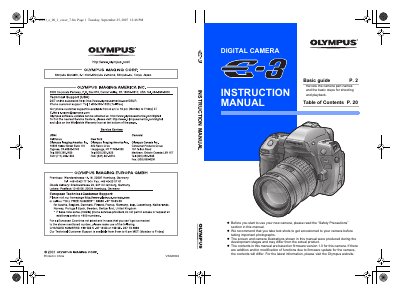
This document serves as a basic guide for the Olympus E-3 digital camera. It begins by instructing users to review the camera's part names and read the Safety Precautions section before starting use. The manual recommends taking test shots to get accustomed to the device before photographing important subjects.
The manual recommends that you take test shots to get accustomed to your camera.
The indicator blinks while charging is in progress and lights up when charging is completed.