
Describes the update contents of Varian MS Workstation Version 6.8, including system requirements, installation methods, and usage methods.
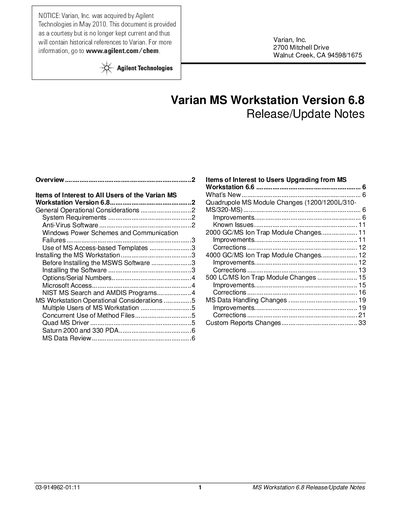
This document serves as the official release and update notes for Varian (now Agilent) MS Workstation software version 6.8. It outlines items of interest for all users, including general operational considerations such as system requirements, anti-virus software recommendations, and Windows power scheme settings to prevent communication failures.
The guide also provides specific instructions for installing the software on Windows 2000 or XP Professional systems, covering prerequisites like Administrator privileges and disk space. Additionally, it details known issues and improvements for users upgrading from version 6.6, specifically addressing changes in the Quadrupole MS Module, Ion Trap Modules (GC/MS and LC/MS), and data handling features.
| Operating System | Windows 2000 or XP Professional |
|---|---|
| Processor Requirement | Pentium III (or higher), at least 1 GHz |
| Video Resolution | 1280 x 1024 x 256 resolution or greater |
| RAM Requirement | At least 1GB RAM |
| CD-ROM Drive Speed | 16X or faster |
Users must ensure that both System standby and System hibernates are set to Never in the Power Options control panel.
The software supports Windows 2000 or XP Professional, but it no longer supports Windows 98 and Windows NT.
You must have at least 1GB of RAM installed on your computer.
You should start with at least 1 Gigabyte of free space on your hard disk prior to installation.