
This document is the user's guide for the DATA PROJECTOR XJ-360, providing information on basic operations, setting up the projector, and replacing its lamp.
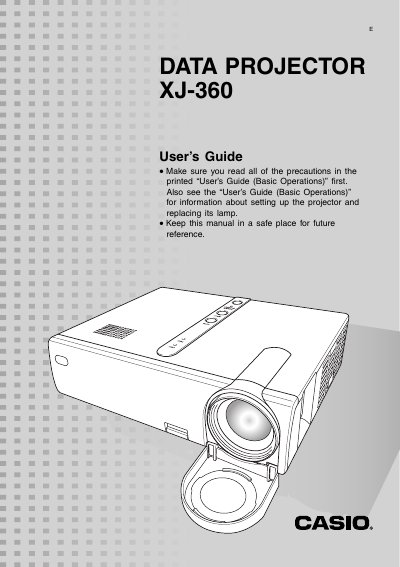
The Casio XJ-360 is a data projector designed to display images from various input sources including computers and video devices. The manual explains how to set up the device, select input sources automatically or manually, and perform fine adjustments for projection position and angle.
Key operational features include auto keystone correction to counteract vertical distortion when projecting at an angle, as well as manual correction options. Users can adjust image size using a zoom ring and focus using a dedicated focus ring. The guide also details how to mute audio, freeze images, display pointers, and access the setup menu for signal and screen settings.
When turned on, it checks each input source in a specific sequence and selects the first one sending a signal.
The message 'No signal input' appears in place of the input source name on the screen.
Yes, you can use manual keystone correction by pressing the [KEYSTONE] key and adjusting with the [W] and [X] keys.