
This document is about the HP Jornada 700 Series User's Guide and online Help. It provides instructions on how to connect the AC adapter, install the main battery and backup battery, adjust display and volume settings, register the HP Jornada, and more.
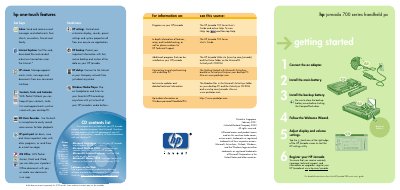
This quick start card provides the essential steps to get your HP Jornada 700 handheld PC up and running. It walks you through connecting the AC adapter, installing the main and backup batteries, and using the Welcome Wizard to adjust display and volume settings.
The guide also explains how to register the device online, install Microsoft ActiveSync on a Windows PC, and connect the Jornada via cradle, serial or USB cable for data synchronization. Hardware features such as the infrared port, USB port, and various LEDs are listed for reference.
| Serial port | present |
|---|---|
| USB port | Standard USB |
| Infrared port | present |
| Battery charging LED | present |
Install the main battery and close the backup battery cover before shutting the CompactFlash door.
Install Microsoft ActiveSync on your desktop PC, connect the cradle or sync cable, and follow the New Partnership Wizard prompts.
Visit www.hp.com/jornada and register your HP Jornada online.