
This document is the user manual of NEC VT660/VT560/VT460 portable projector.
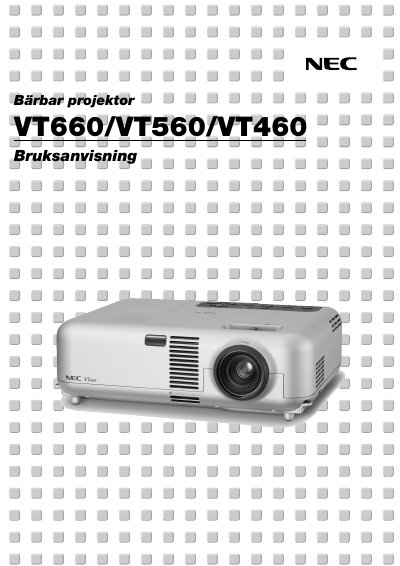
This manual introduces the NEC VT660/VT560/VT460 portable projector, covering safety precautions, unpacking, and required installation conditions. It explains how to mount the projector, connect video sources, and use the remote control.
The guide also details operation functions such as picture adjustment, keystone correction, lamp replacement, and troubleshooting, along with service information and warranty terms. This manual is written in Swedish.
| Lamp power | 200 W (Eco 160 W) |
|---|---|
| Maximum projection size | up to 300 inches diagonal |
| Vertical keystone correction | ±30° |
| Input voltage | 100‑120 V or 200‑240 V AC, 50/60 Hz |
Use the 15‑pin mini D‑Sub RGB IN connector and attach the supplied RGB cable from the PC to the projector.