
This document is the user manual for NEC VT660/VT560/VT460 portable projectors, providing safety cautions and precautions.
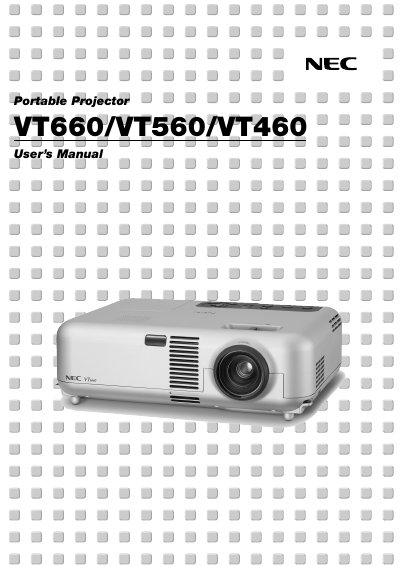
This manual introduces the NEC VT660/VT560/VT460 portable projector, covering safety cautions, unpacking, and the main features such as auto vertical keystone correction, low noise operation, and a 200 W lamp. It explains how to install the unit on a flat surface or ceiling, connect video sources, and use the remote control and built‑in USB mouse function.
Detailed sections guide you through menu navigation, picture adjustments, lamp replacement, cleaning, and troubleshooting. The document also outlines the TravelCare service program, warranty conditions, and technical specifications for power, lamp, resolution, and supported video standards.
| Power Supply | 100‑120 V or 200‑240 V, 50/60 Hz AC |
|---|---|
| Lamp Power | 200 W (160 W Eco mode) |
| Maximum Image Size | Up to 300 inches diagonal |
| Resolution | UXGA 1600 × 1200, SXGA 1280 × 1024, XGA 1024 × 768 |
| Horizontal Frequency Range | 24 kHz – 100 kHz |
| Vertical Frequency Range | 50 Hz – 120 Hz |
From the menu select Advanced → High Speed Fan Mode. This mode should be used when the projector runs for consecutive days.