
This manual introduces how to use the projector. Including installing the projector, connecting power, signal lines and speakers.
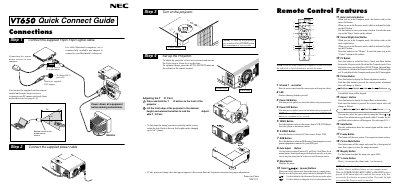
The VT650 Quick Connect Guide provides step‑by‑step instructions for wiring the projector, attaching the supplied 15‑pin signal cable, and using the optional PS/2 adapter for older Macintosh computers. It also explains how to set up the remote wireless mouse receiver and power up the unit.
Additional sections cover image adjustment (focus, zoom, keystone, tilt foot), button functions (POWER, AUTO ADJUST, MENU, PJ, etc.), and troubleshooting common problems such as power failures, no picture, and remote‑control issues.
Press and hold the POWER button for at least two seconds.
It switches between Projector mode and Computer mode; the button lights red in Projector mode.
Use the Keystone setting in the Image Options menu to adjust trapezoid distortion.