
This document is the supplementary document for the user manual of VT58BE projector, including how to set keyword, change current keyword and so on
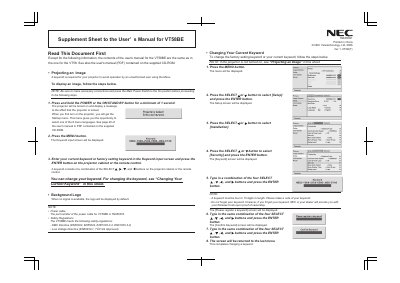
This supplement sheet adds to the main user’s manual for the NEC VT58BE projector. It explains how to project an image, set and change the security keyword, and what is shown when no video signal is present.
The document also includes a German version of the password‑change procedure, detailing the steps to modify the factory‑set password or a user‑defined one. It lists the required button combinations and confirms the changes through on‑screen prompts.
Press the power button, open the menu, select the keyword input screen, and enter the required combination of SELECT, etc., then confirm.
From the menu choose the Setup screen, select the keyword option, enter a new keyword, and confirm the change.