
Instruction manual, introduces the features and characteristics of the NP-P420X, NP-P350X, NP-P350W portable projectors
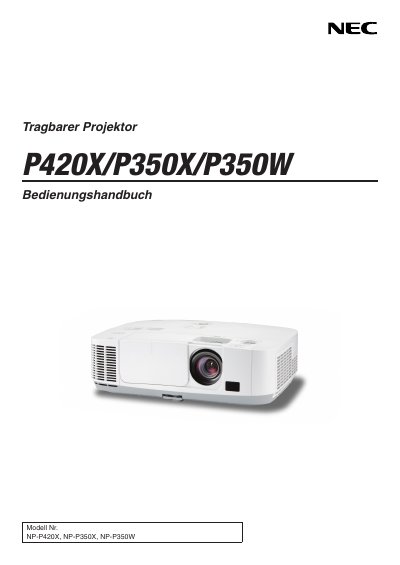
This manual covers important safety precautions, proper installation, and handling of the NEC portable projector. It explains how to position the unit, connect power and video sources, and configure settings such as fan mode and altitude adjustments.
Operational guidance includes lamp replacement, remote‑control use, image adjustment, and troubleshooting. The document also details environmental requirements, ventilation clearances, and the TravelCare service for international warranty support. This manual is written in Italian.
| Power supply | 100‑240 V AC 50/60 Hz |
|---|---|
| Lamp type | High‑pressure mercury lamp |
| Minimum ventilation clearance | At least 10 cm from wall |
| Altitude mode threshold | Set fan to HIGH above ~1 600 m |
Set the fan mode to HIGH (Altitude) to prevent overheating at elevations of 1 600 m or higher.