
This manual describes how to set up, connect, and operate the projector.
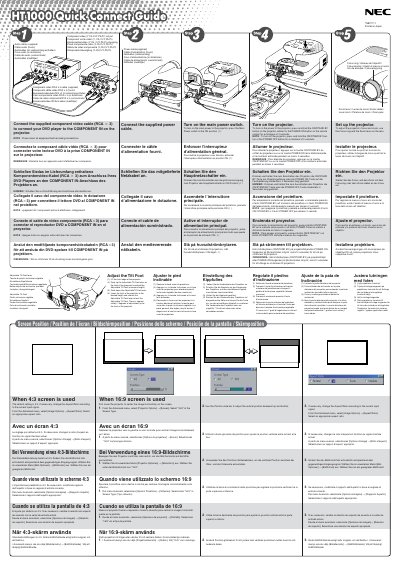
This guide explains how to connect the supplied component video, audio, and power cables to the NEC HT1000 projector, and how to turn the unit on using the main power switch or remote control. It also covers basic adjustments such as focus, zoom, and the adjustable tilt foot.
Additional sections describe screen position settings for 4:3 and 16:9 displays, indicator meanings, lamp life warnings, and common troubleshooting steps for power, lamp, and fan errors.
| Lamp life | 1600 hours (up to 2100 hours in Eco mode) |
|---|---|
| Tilt foot adjustment range | approximately 7 degrees up or down |
Press and hold the ON/STAND BY button on the projector cabinet or the POWER ON button on the remote for at least 2 seconds.
Use the focus ring and the zoom lever on the lens.