
This is the user manual for NEC LT20 projector, which mainly introduces the safety use, power connection, installation, use and other contents of the projector.
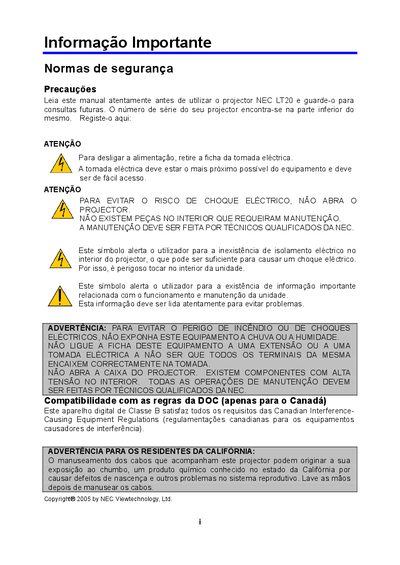
This manual covers important safety information, proper installation, and handling of the NEC LT20 DLP projector. It explains how to set up the unit on a stable surface, connect power and video cables, and adjust image size, focus, and geometry.
Additional sections describe lamp replacement, troubleshooting, travel care program details, and warranty conditions. The document also lists the projector's technical specifications and includes an appendix with service request forms. This manual is written in Portuguese.
| Resolution | 1024 x 768 (XGA) |
|---|---|
| Display Technology | DLP™ with single chip |
| Power Supply | AC 100‑240 V, 50/60 Hz |
Unplug the power cord from the electrical outlet before handling the unit.
Leave at least 30 cm of space between the projector and the wall to ensure proper ventilation.