
This document introduces important information about NEC LT20 projector, including safety information, precautions, product serial number, power connection, internal structure, etc.
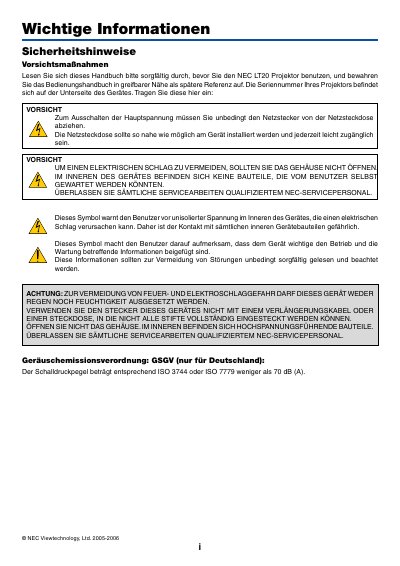
This manual contains important safety information for the NEC LT20 projector, including warnings about electrical shock, fire hazards, and proper handling. It explains how to install the projector safely, maintain adequate ventilation, and avoid exposure to rain, humidity, or direct sunlight.
The guide also describes how to operate the projector, adjust image settings, replace the lamp, and perform basic troubleshooting. Technical data such as supported voltage, resolution, and lamp specifications are listed, along with service and warranty information. This manual is written in German.
| Input Voltage | 100‑240 V AC 50/60 Hz |
|---|---|
| Resolution | 1024 × 768 (XGA) |
| Included Cables | Power cable 1.8 m, VGA cable 1.8 m |
It can be used with an AC supply of 100 V to 240 V at 50 or 60 Hz.
Maintain at least a 30 cm gap between the projector and any walls.