
This is a user manual for NEC LT20 projector, which introduces the use of the projector and precautions.
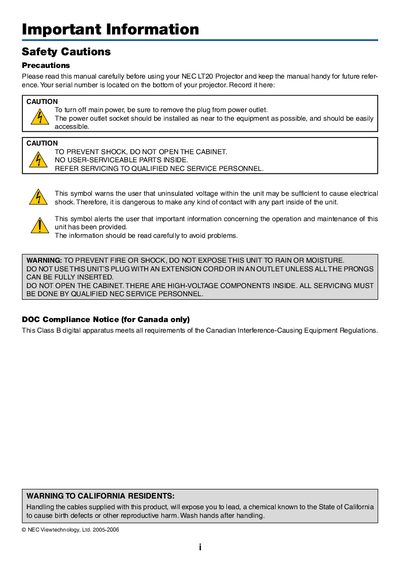
This manual covers important safety precautions, installation steps, and operating instructions for the NEC LT20 projector. It includes details on proper placement, ventilation, power handling, and how to adjust image settings such as zoom, focus, and height.
Additional sections describe the contents of the package, troubleshooting tips, lamp replacement procedures, technical specifications, and the optional TravelCare service program for repair and loan options.
| Power Supply | 100‑240 V AC 50/60 Hz |
|---|---|
| Resolution | 1024 × 768 (XGA) |
| Display Technology | Single‑chip DLP™ |
| Maximum Tilt Angle | 8 degrees |
Leave at least 12 inches (30 cm) between the projector and a wall and keep vents unobstructed.
Do not use the plug with an extension cord unless all prongs can be fully inserted.
No – the unit contains high‑voltage components and should only be serviced by qualified NEC service personnel.