
This document provides instructions for using the Leica DB LB Research microscope and Studo Lite Imaging software, as well as troubleshooting tips.
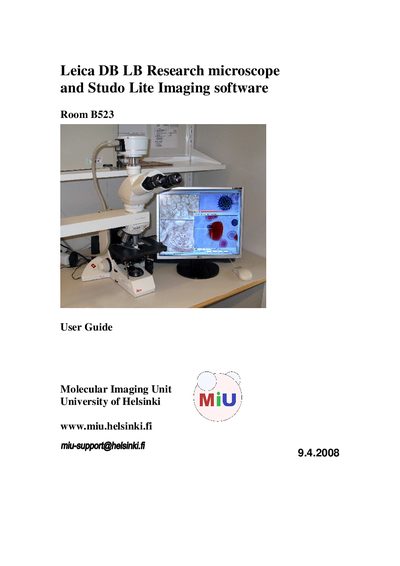
This guide provides general user information for the Leica DM LB Research microscope, which is dedicated to internal research programs at the University of Helsinki. It explains how to turn on the halogen light source, operate the XY‑stage, place samples, select objectives, focus, and use accessories such as the dual‑viewing attachment and polarization filters.
The document also details image acquisition with the Studio Lite software, including capture settings, viewing, post‑processing tools, and recommended saving formats. Troubleshooting tips address common issues such as lack of illumination, focus problems, and computer login failures.