
JVC LT-32WX50EU LCD Monitor Instructions

This manual introduces the use of LT-32WX50EU display, including installation, use, maintenance and other content.
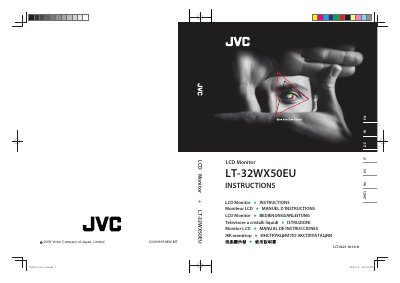

JVC LT-32WX50EU LCD Monitor Instructions - cover page
Brand
JVC
Category
Monitor
Document type
User Manual
Language
English
Pages
78
File format
PDF
File size
5 MB
Published
13 July, 2012
Updated
30 September, 2023
MD5 checksum
9073E31827731F5D5F75B496D85BA500

About this manual

This document provides comprehensive instructions for the JVC LT-32WX50EU LCD monitor. It covers essential safety warnings, setup procedures, and operational guidelines to ensure proper use and longevity of the device. The manual includes specific instructions for cleaning the screen and cabinet, as well as guidelines for ventilation and mounting to prevent accidents.

What's inside

  • Safety Precautions
  • Setup and Installation
  • Operating Instructions
  • Cleaning and Maintenance
  • Troubleshooting
  • Specifications
  • Disposal Information

Frequently asked questions

What is the maximum voltage this monitor can be connected to?

You must connect only to a 100-240 V, 50 Hz/60 Hz AC outlet.

How much space is required around the monitor for proper ventilation?

You must keep at least 200 mm of space on the sides and back.

What type of cloth should be used to clean the screen?

Use a soft, dry cloth or a soft cloth soaked in water-diluted neutral detergent.

Download PDF (5 MB)

More JVC Manuals


View all JVC manuals →