
This document is the user manual for JVC LT-32P510/LT-42P510/LT-46P510 TV, which introduces the usage methods, functions and precautions of the TV.
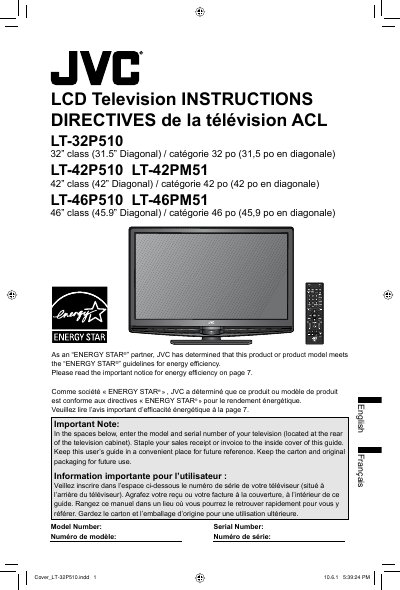
This document serves as the official instruction guide for a range of JVC LCD television models, including the LT-32P510, LT-42P510, LT-42PM51, LT-46P510, and LT-46PM51. It covers essential safety warnings, initial setup procedures, and basic operations for users.
| Screen Size (LT-32P510) | 32" class (31.5" Diagonal) |
|---|---|
| Screen Size (LT-42P510/LT-42PM51) | 42" class (42" Diagonal) |
| Screen Size (LT-46P510/LT-46PM51) | 46" class (45.9" Diagonal) |
| Resolution | 1920x1080 Full HD panel |
No, when connected to the wall outlet, the TV remains in standby; you must unplug it from the wall outlet to shut it down.
The LT-32P510 television has a 32-inch class with a 31.5-inch diagonal.
You must maintain a minimum distance of 200 mm or 7 7/8 inches between the set and the wall.
The optional JVCPCM-MS2 TILT/FLAT WALL MOUNT must be used for this model.