
This document is a user manual for Remote control RC4370, which provides an overview of the functions, installation, setting, and troubleshooting of the remote control.
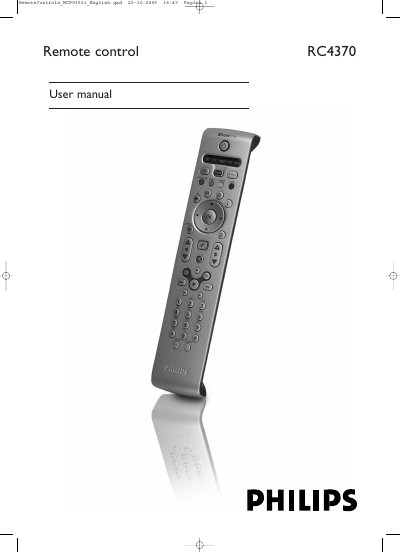
This manual describes the Philips RC4370 universal remote control, which is primarily intended for the MCP9350i Media Center but can also control up to four other device types such as TV, amplifier, satellite tuner and DVD/VCR. It covers battery installation, initial testing, and how to switch between device modes.
Detailed sections explain automatic and manual programming of device codes, copying key functions, assigning volume control to different modes, and troubleshooting steps. Contact information for online help and a consumer disposal notice are also included.
| Battery type | Two AA (1.5 V) batteries (supplied) |
|---|---|
| Memory retention after battery change | 5 minutes |
| Key hold limit | 30 seconds (longer stops IR transmission) |
| Supported device types | Up to four other device types |
| Automatic TV programming time | Maximum 5 minutes |
| Automatic DVD/SAT/AMP programming time | 2 minutes |
Remove the battery compartment cover and insert two AA (1.5 V) batteries, then replace the cover.
Use the automatic setting: select TV, press digit keys 1 and 3 together for five seconds, then hold the Standby key until the TV lights flash, or manually enter the code from the code list.
The remote control will stop transmitting IR signals.
It can control the Media Center plus up to four other device types such as TV, amplifier, satellite tuner and DVD/VCR.