
This document is a technical manual for YASKAWA AC Drive-J1000, which describes the features and characteristics of the product.
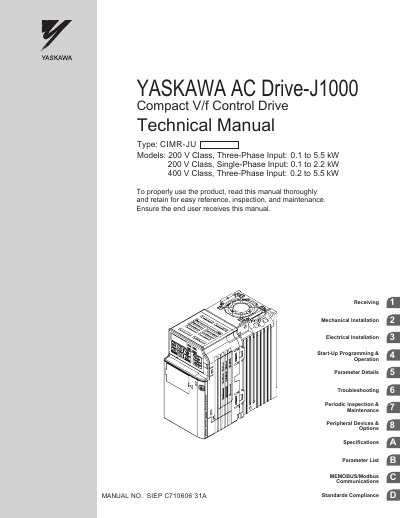
This manual covers safety information, mechanical and electrical installation, start‑up programming, parameter configuration, and detailed troubleshooting procedures for the Yaskawa J1000 AC Drive. It is intended for engineers, technicians, and end‑users who install, commission, or service the drive.
Key sections include mechanical installation guidelines, main circuit wiring tables, parameter details, periodic inspection and maintenance schedules, peripheral device options, and MEMOBUS/Modbus communication setup. The document also lists specifications, compliance standards, and an index for quick reference.
| Input Voltage Class (200 V, Three‑Phase) | 0.1 kW to 5.5 kW |
|---|---|
| Input Voltage Class (200 V, Single‑Phase) | 0.1 kW to 2.2 kW |
| Input Voltage Class (400 V, Three‑Phase) | 0.2 kW to 5.5 kW |
| Ambient Temperature Range | -10 °C to +50 °C (IP20/Open‑Chassis) |
| Humidity Limit | ≤ 95 % RH, free of condensation |
| Storage Temperature Range | -20 °C to +60 °C |
| Maximum Installation Altitude | 1000 m or lower |
The drive can be installed in environments with temperatures from –10 °C to +50 °C (IP20/Open‑Chassis).
Place a temporary cover over the top of the drive while installing, and remove it before start‑up.