
This document introduces the use of ML1120/ML1190
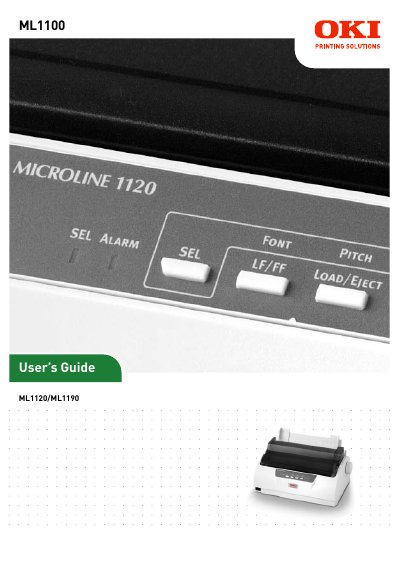
This guide introduces the OKI ML1120 (9‑pin) and ML1190 (24‑pin) dot‑matrix printers, covering safety information, unpacking, and basic operation. It explains how to install the printer, connect it to a computer, and load both cut‑sheet and continuous‑form media.
Detailed sections cover the control panel, menu settings, troubleshooting common issues such as paper jams, and routine maintenance tasks like cleaning and ribbon cartridge replacement. Contact details for regional support are also provided.
Select File > Print from the toolbar or press Ctrl + P to print the desired pages.
Follow the clearing paper jams procedure described in the manual to safely remove the jammed paper.
Turn on the printer using the power switch as outlined in the "Powering on your printer" section.