
TDP-P4 Digital Projector USER'S GUIDE, introduces the basic use of the projector, including connecting a computer, connecting a video player, turning on the projector, adjusting the image, turning off the projector, cleaning the lens, replacing the projection lamp, replacing the remote control battery, etc.
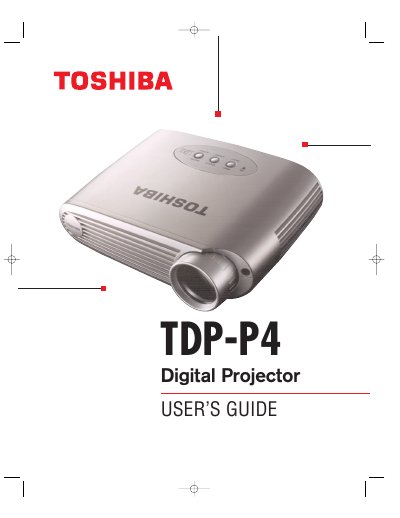
This guide covers safety instructions, unpacking, and basic setup for the Toshiba TDP-P4 digital projector. It explains how to connect computers and video sources, adjust image settings, and use the remote control and on‑screen menus.
The manual also includes troubleshooting tips, lamp replacement procedures, and detailed specifications such as operating temperature, dimensions, and power requirements.
| Operating temperature | 50 to 104 °F (10 to 40 °C) |
|---|---|
| Non‑operating temperature | -4 to 158 °F (-20 to 70 °C) |
| Operating humidity | 10 % to 95 % RH (non‑condensing) |
| Dimensions | 6.25 × 8.25 × 2 in (15.9 × 21.0 × 5.1 cm) |
| Weight | 2.9 lb (1.33 kg) unpacked |
| Lamp type | 120‑watt UHP lamp |
| Input power requirements | 100‑120 VAC 2 A; 200‑240 VAC 1 A |
The projector uses a 120‑watt UHP lamp.
It can operate between 50 °F and 104 °F (10 °C to 40 °C).
The projector must be within 10 feet (3 m) of the power source.
Yes, it works with Apple Macintosh and PowerBook computers up to 1280 × 1024 resolution.