
This is a manual for MOTOROLA XOOM.
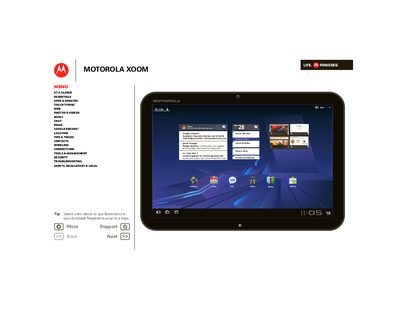
This guide walks you through getting started with the Motorola Xoom tablet, including charging, turning the device on, and registering a Google account. It also explains the basic navigation gestures, touch entry methods, and how to customize the home screen with widgets and shortcuts.
The manual includes safety, regulatory, and legal information, as well as contact details for Motorola support and specifications such as the SAR limit and product ID.
| SAR limit | 1.6 W/kg |
|---|---|
| Product ID | MOTOROLA XOOM (MZ600) |
| Manual Number | 68014293001-A |
Press and hold the Power/Lock button on the back of the tablet until it powers on.
Open the Register section and create or log into a Google account to sync contacts and calendar events.
Use only the charger that came with the tablet; the USB port is for data transfer only.