
This user guide introduces the use of Delta 700 2 Line CLI Featurephone. Delta 700 telephone is designed and manufactured by ATL Telecom Limited to exacting quality standards. The user guide includes the features of the phone and warranty terms.
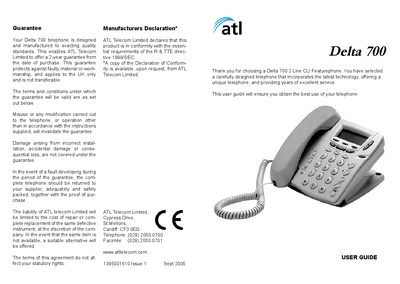
This guide introduces the Delta 700 telephone, covering everything from unpacking the package to installing the handset and mounting the unit on a desk or wall. It includes detailed descriptions of the phone’s controls, features, and how to connect the telephone lines.
The manual also explains basic operation such as making and answering calls, using speed dial, Caller ID, conference calling, and adjusting volume, as well as troubleshooting tips and warranty information.
| Line capability | Up to 2 lines |
|---|---|
| One‑touch speed dial memories | 3 |
| Two‑touch speed dial memories | Up to 32 |
| Battery type | 4× AA |
The Delta 700 supports up to two telephone lines.
The phone provides three one‑touch speed‑dial memories and up to 32 two‑touch speed‑dial memories.
It uses four AA batteries.
Yes, the phone includes a wall‑mounting template and instructions for wall installation.