
The DFL-1000 User's Manual provides an overview of the features and characteristics of the DFL-1000, including firewall, Network Address Translation (NAT), transparent mode, hacker prevention, VPN, virus and worm protection, web content filtering, secure installation, configuration, and management.
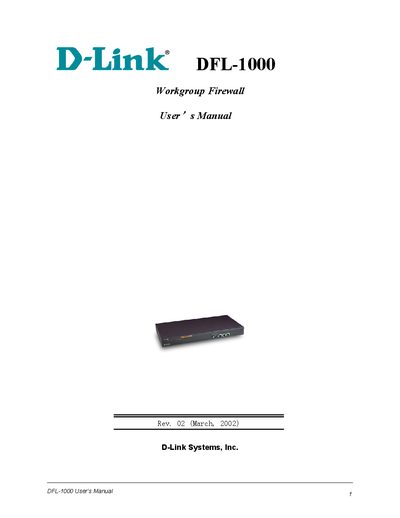
This manual covers everything needed to set up and operate the D-Link DFL-1000 workgroup firewall, including hardware installation, initial configuration, and security features. It includes step‑by‑step guidance for both the web‑based manager and the command‑line interface.
Detailed sections describe firewall policies, NAT and transparent modes, VPN configuration, virus protection, web content filtering, logging, and troubleshooting. The document also provides information on firmware upgrades, regulatory compliance, and support resources.
| Firmware version | 2.2 |
|---|---|
| Regulatory compliance | FCC Class A Part 15 |
Upgrade the firmware by installing it from a TFTP server.
Use the configuration steps for NAT mode in the manual.
Add an IPSec VPN policy using the IPSec VPN policy section.