
This Quick Install Guide provides you with a simple and easy-to-understand format to install and configure your D-Link DSL-2320B modem.
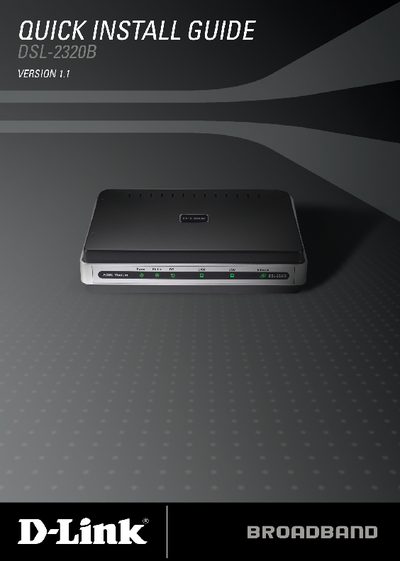
The DSL-2320B is an ADSL2+ modem that supports both Ethernet and USB connections. This Quick Install Guide walks you through the required hardware, safety precautions, and basic configuration steps.
It covers connecting the telephone line, Ethernet or USB to a PC, powering the unit, installing the USB driver (if needed), and logging into the web interface at http://192.168.1.1 using the default usernames and passwords. Technical support contact information is also provided.
| Modem type | ADSL2+ |
|---|---|
| Supported connections | Ethernet, USB, RJ‑11 DSL line |
| Power adapter rating | 12VDC, 1A DC CEC‑compliant switching power adapter |