
The Wireless N 150 Home router is a high-performance router with features such as easy configuration, total security, and high-speed networking.
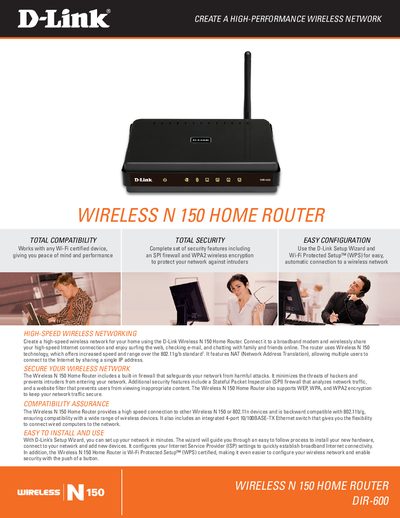
The D-Link DIR-600 Wireless N 150 Home Router creates a high‑performance wireless network for home use. It supports 802.11g/b and is compatible with 802.11n devices, offering NAT, firewall protection, and Wi‑Fi Protected Setup for easy configuration.
The manual guides users through installation with D‑Link’s Setup Wizard, explains advanced wireless functions, security options, and provides detailed technical specifications such as frequency range, antenna type, power input, and physical dimensions.
| Wireless Standard | IEEE 802.11g/b, compatible with 802.11n devices |
|---|---|
| Frequency Range | 2.4 GHz to 2.4835 GHz |
| Antenna | Detachable dipole antenna (reverse SMA plug) |
| Power Input | 5V DC/1A through external power adapter |
| Dimensions (L×W×H) | 113.2 x 147.5 x 31.5 mm |
| Weight | 246 grams |
| Operating Temperature | 8 to 40 °C (32 to 104 °F) |
| Security Encryption | WEP 64/128‑bit, WPA (TKIP), WPA2 (AES) |
| Ethernet Switch | Integrated 4‑part 10/100BASE‑TX Ethernet switch |
Use D‑Link’s Setup Wizard, which guides you through installing the hardware, configuring ISP settings, and connecting devices.
It includes an integrated 4‑part 10/100BASE‑TX Ethernet switch for LAN connections and a separate WAN port.