
This manual introduces the basic features of the D-Link DSL-526B ADSL router and the steps to install, configure, and troubleshoot it.
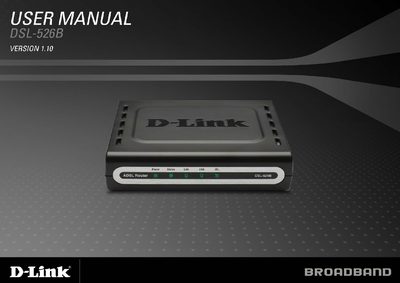
This manual covers everything you need to install and operate the D-Link DSL-526B ADSL router, including package contents, hardware overview, and system requirements. Detailed sections guide you through installation, web‑based configuration, and advanced features such as NAT, DHCP, and QoS.
Additional chapters explain security settings, routing options, management tools, and troubleshooting steps. Appendices contain networking basics and full technical specifications, helping both novice users and technicians maintain the device.
| Downstream data rate (Gdmt) | up to 8 Mbps |
|---|---|
| Upstream data rate (Gdmt) | up to 1 Mbps |
| Downstream data rate (Glite) | up to 1.5 Mbps |
| Upstream data rate (Glite) | up to 512 Kbps |
| LAN interface | RJ-45 10/100BASE‑T Ethernet |
| ADSL interface | RJ‑11 connector for telephone line |
| USB interface | Standard USB connection |
| Supported ADSL standards | ANSI 71.413, ITU G992.1, G992.2, G994.1, G992.5 |
| Supported protocols | IEEE 802.1d Spanning Tree, TCP/UDP, ARP, RARP, ICMP, RIP v1/v2, SNMP v1/v2c, PAP, CHAP, DHCP |
Press and hold the Reset button for at least seven seconds while the router is powered on.
The router supports up to 8 Mbps downstream and 1 Mbps upstream with Gdmt, up to 12 Mbps both ways with Gdmt.bis, and up to 24 Mbps downstream with standard ADSL.