
D-Link DHP-P500AV/DHP-P501AV is a 500Mbps Powerline AV 500 Passthrough Network Adapter that allows you to connect your home computers, networking devices and gaming devices through the most pervasive medium in your house - the electric powerlines - and share Internet connections, printers, transfer files, play games, and more.
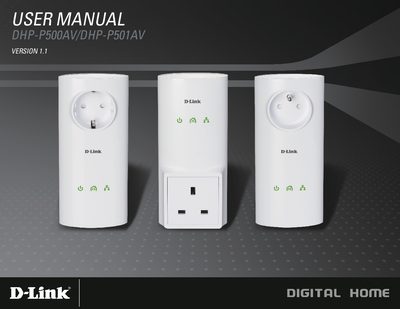
The manual introduces the D-Link DHP-P500AV and DHP-P501AV Powerline AV 500 Passthrough adapters, describing features such as Ethernet‑to‑Powerline connection, up to 500 Mbps data rate, an integrated passthrough power socket, LED status indicators, and push‑button security.
It provides step‑by‑step hardware installation, wiring instructions, using the setup wizard, configuration via the Windows utility, and troubleshooting tips including resetting the device and resolving utility detection issues.
| Network Ports | One Gigabit Ethernet port |
|---|---|
| Passthrough Power Socket (EU) | 250 V / 16 A maximum |
| Passthrough Power Socket (UK) | 250 V / 13 A maximum |
| AC Input (EU/UK/FR) | 100‑240 V AC, 50/60 Hz, 0.1 A |
| Encryption | 128‑bit AES |
| Operation Temperature | 0 °C to 40 °C |
| Operation Humidity | 10 % to 90 % RH |
Press and hold the Reset button for 1 second.
Windows 7, Windows Vista, and Windows XP with Service Pack 3.