
This manual is the user manual for the D-Link DGS-2208 switch, which mainly introduces the switch's features, hardware overview, installation, connection, troubleshooting and other content.
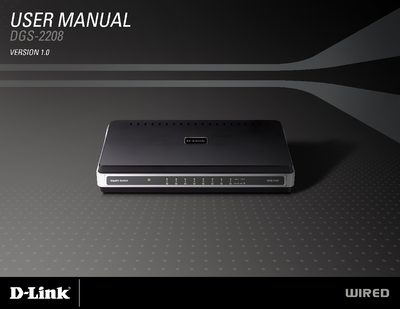
This manual covers safety instructions, product overview, and detailed installation procedures for the D-Link DGS-2208 8‑port Ethernet switch. It includes wiring diagrams, mounting options, and troubleshooting tips to help users set up and maintain the device safely.
Additional sections provide warranty information, registration details, and a list of package contents, ensuring users have all necessary resources for proper operation and support.
| Ports | 8 Ethernet ports |
|---|---|
| Power adapter | Included |
| Rubber feet | Four (4) |
Unplug the product from the electrical outlet and replace the part or contact a trained service provider.
The power outlet should be within 1.82 meters (6 feet) of the switch.
Discharge static electricity from your body by touching an unpainted metal surface on the chassis before handling components.