
This manual introduces the hardware specifications, features, installation, configuration and maintenance of the DIR-862L wireless router.
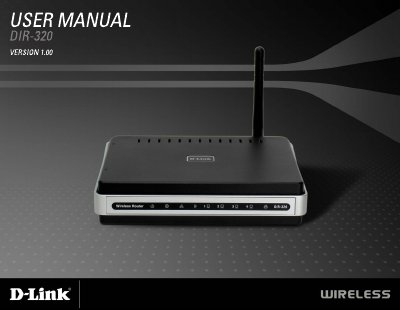
This manual covers everything you need to get the D-Link DIR-320 wireless broadband router up and running, from package contents and system requirements to detailed installation steps and configuration wizards. It also explains hardware features such as LED indicators, USB printer server, and power input specifications.
In addition to basic setup, the guide includes advanced networking options like VPN pass‑through, firewall filtering, port forwarding, QoS, and parental controls, as well as a full technical specifications appendix covering wireless standards, signal rates, dimensions, and environmental limits. This manual is written in Chinese.
| Wireless Standards | IEEE 802.11g, IEEE 802.11b, IEEE 802.3, IEEE 802.3u |
|---|---|
| Maximum Wireless Signal Rate | 54 Mbps |
| Power Input | DC 5 V 2 A |
| Operating Temperature | 32 °F to 104 °F (0 °C to 40 °C) |
| Dimensions | L = 5.6 in (142 mm) × W = 4.3 in (109 mm) × H = 1.2 in (31 mm) |
| Weight | 7.8 oz (0.22 kg) |
The package contains the DIR-320 router, a power adapter, a CD‑ROM with the user manual, an Ethernet cable, and a quick installation guide.
Press and hold the Reset button for at least seven seconds while the router is powered on.