
This document is the user manual for D-Link DAP-1160, describing the features and characteristics of the product.
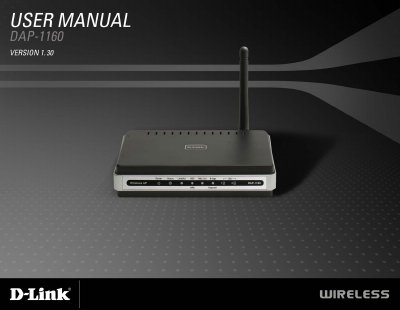
The DAP-1160 is a wireless G access point that can operate in seven modes, including Access Point, AP Client, Bridge, Bridge with AP, Repeater, WISP Client Router, and WISP Repeater. It offers 64/128‑bit WEP and WPA/WPA2 security, two Ethernet ports, and a detachable 2 dBi omni‑directional antenna.
The manual walks you through connecting the device, using the web‑based configuration utility, and configuring network settings such as IP address, DHCP, and security options. Appendices cover networking basics, troubleshooting, and a full list of technical specifications.
| Network Standards | 802.11g, 802.11b |
|---|---|
| Operating Frequency | 2.4 to 2.4835 GHz |
| Antenna Gain | 2 dBi detachable omni‑directional antenna |
| Power Input | 5 VDC 2 A |
| Dimensions | 144 × 109 × 30 mm |
| Weight | 229 g (0.5 lb) |
| Security Protocols | 64/128‑bit WEP, WPA‑PSK, WPA2‑PSK, WPA‑EAP, WPA2‑EAP, TKIP, AES |
The default IP address is 192.168.0.50.
The device supports 64/128‑bit WEP, WPA‑PSK, WPA2‑PSK, WPA‑EAP, WPA2‑EAP, TKIP and AES.
It operates in the 2.4 to 2.4835 GHz band.