
This document is the user guide of BUSINESS SERIES 4-Port SSL/IPSec VPN Router
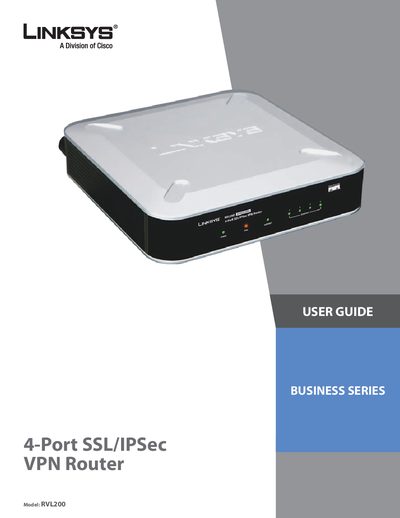
This guide covers the Linksys RVL200 4‑Port SSL/IPSec VPN Router, describing its hardware layout, basic installation steps, and the features it offers for secure VPN connections. It is intended for users who need to configure the router for home or small‑business networks.
The manual is organized into chapters on product overview, physical installation, advanced configuration (including QoS, firewall, IPSec and SSL VPN settings), system management, and several appendices that detail troubleshooting, firmware upgrades, battery replacement, and integration with directory services.
Open a web browser and navigate to the router’s IP address to reach the web‑based configuration utility.
Remove the cover of the router and replace the internal lithium battery with a compatible one as described in the battery replacement section.
Use the System Management > Firmware Upgrade menu in the web interface to upload and install a new firmware file.
Run the Virtual Passage client installer for Windows, follow the on‑screen prompts, and configure the SSL VPN connection as instructed.