
The W548D is a 5-in-1 wireless router that supports ADSL2+, 802.11b/g protocols, and has a maximum transmission speed of 54Mbps.
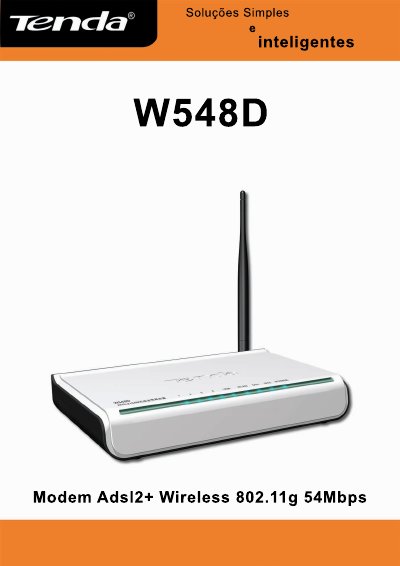
This manual provides step‑by‑step instructions for setting up the Tenda W548D wireless router, including hardware connections, web‑interface access, and basic network configuration. It covers both ADSL2+ and wireless functions, showing how to connect the device to a telephone line, LAN, USB, and the internet.
Additional sections describe advanced settings such as PPPoE and PPPoA connection modes, running status monitoring, and a comprehensive troubleshooting appendix with LED indicators, micro‑filter usage, and common connectivity problems. This manual is written in Portuguese.
| Access Point | Supported |
|---|---|
| Switch Ports | 4 × 10/100 Mbps |
| WAN Port | 1 × 10/100 Mbps |
| Wireless Speed | Up to 54 Mbps at 2.4 GHz |
| Wi‑Fi Standards | 802.11b / 802.11g |
| Security | WEP, WPA, AES |
| Firewall | Integrated |
| Domain / URL Filtering | Supported |
| IP Routing | Supported |
| VPN Pass‑through | IPSec, PPTP, L2TP |
Install a micro‑filter on every telephone socket that shares the ADSL line, except the socket that connects directly to the modem.