
This manual mainly introduces the product features, functions, installation and use methods of 300Mbps wireless USB adapter.
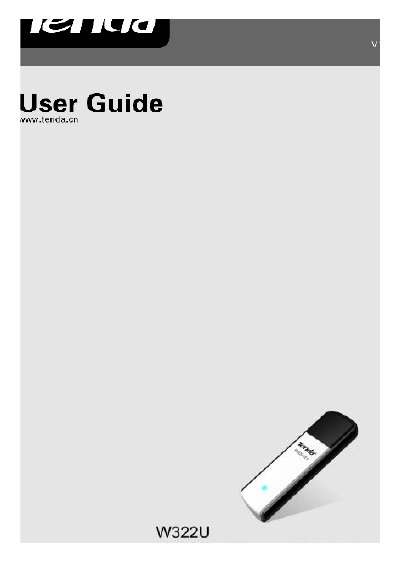
The Tenda W322U is a 300 Mbps wireless USB adapter that supports IEEE 802.11n, 802.11b/g and offers both infrastructure and ad‑hoc modes. It provides a USB 2.0 interface, 20 MHz/40 MHz channel widths and a range of security options including WEP, WPA/WPA2 and WPS.
The guide explains how to install the adapter using the supplied CD‑ROM, describes the indicator LEDs, lists the package contents and provides step‑by‑step instructions for setting up station mode, AP mode and WPS connections.
| Maximum wireless speed | up to 300 Mbps |
|---|---|
| USB interface | USB 2.0 port |
| Supported frequency width | 20 MHz / 40 MHz |
| Security encryption | 64/128‑bit WEP, WPA/WPA2/802.1x |
The model number is W322U.
Insert the adapter into a USB port, cancel the “Found New Hardware” dialog and run the Setup Wizard from the included CD‑ROM.
It complies with IEEE 802.11n as well as 802.11b/g standards.
Yes, it supports Wi‑Fi Protected Setup (WPS) for secure network connections.