
This document is the user guide for the HP 9250C Digital Sender, providing information on device basics, features, performance, control panel, and paper handling.
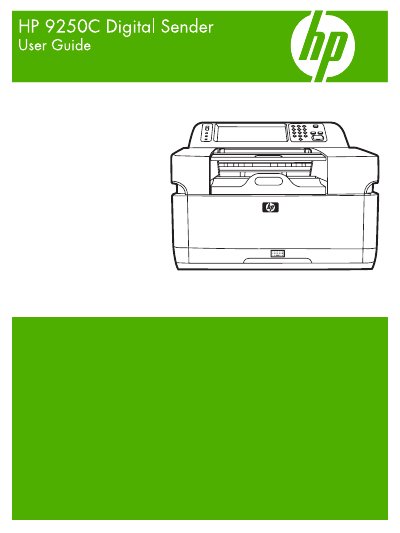
The HP 9250C Digital Sender is a network‑connected scanner that converts documents to electronic form and distributes them to e‑mail, folders, fax, or workflow destinations. This guide covers device basics, hardware specifications, software features, and network configuration.
It also details routine maintenance such as cleaning, ADF kit replacement, firmware upgrades, and troubleshooting, plus regulatory and environmental information for safe operation.
| Power requirements | 100‑240 V, 50/60 Hz |
|---|---|
| Operating temperature | 20 °C to 27 °C (68 °F to 81 °F) |
It operates on a universal AC input of 100‑240 V at 50/60 Hz.
The ADF Maintenance Kit is replaced by following the steps in the maintenance chapter that covers ADF kit replacement.