
This document provides instructions on how to install the Philips SureSigns VHM Wall Mount Kit by GCX Corp, including the attachment of the handle to the arm, mounting of the arm in the channel, attachment of the mounting adapter to the monitor, and mounting of the monitor on the arm.
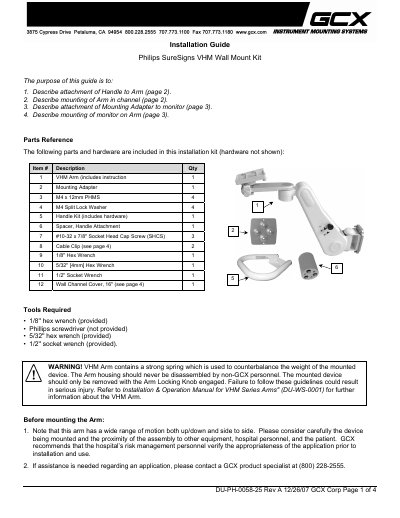
This guide explains how to attach the handle to the VHM arm, mount the arm in the wall channel, connect the mounting adapter to the monitor, and secure the monitor on the arm. It also lists the parts and tools included in the kit and provides step‑by‑step instructions with safety notes.
Important safety warnings are highlighted, such as the strong spring inside the arm and the requirement that only GCX personnel disassemble the housing. The document also covers routine maintenance, cleaning recommendations, and how to adjust tilt tension and install cable guides.
| 1/8'' hex wrench (provided) | Provided |
|---|---|
| 5/32'' hex wrench (provided) | Provided |
| 1/2'' socket wrench (provided) | Provided |