
This document is the instruction manual for the OMRON Healthcare Europe BV fully automatic blood pressure monitor M4-I Int-5-1. It includes information on how to measure blood pressure, important instructions, troubleshooting, maintenance, and storage.
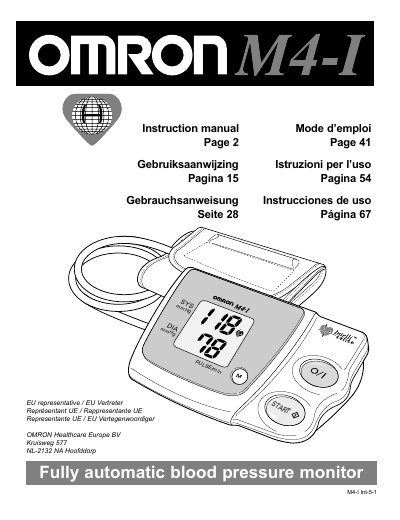
The Omron M4-I is a compact, fully automatic blood pressure monitor that uses the oscillometric method and an intelligent fuzzy‑logic inflation system. The manual provides step‑by‑step instructions for preparing the unit, fitting the cuff, taking measurements, using the memory function and troubleshooting common issues.
Technical data, safety warnings, cleaning instructions, calibration guidelines and spare‑part information are also included, helping users maintain accurate and reliable performance over the device’s service life.
| Measurement range (pressure) | 0 mm Hg to 280 mm Hg |
|---|---|
| Pulse range | 40 – 180 /min |
| Pressure accuracy | ±3 mm Hg |
| Memory capacity | 14 measurements |
| Power source | 4 × 1.5 V alkaline batteries (LR6) or optional 6 V AC/DC adapter |
| Battery life | ≈300 measurements per new set of batteries |
| Operating temperature | 10 °C – 40 °C |
| Dimensions (W × H × D) | ≈167.5 mm × 65 mm × 106 mm |
| Weight (with batteries) | ≈450 g |
| Cuff size | 140 mm × 480 mm (arm circumference 22 – 32 cm) |
The monitor can store up to fourteen sets of measurements.
It runs on four 1.5 V alkaline (LR6) batteries, with an optional 6 V AC/DC adapter.
Insert the cuff correctly, then press the START button; the device inflates automatically and displays the result.
Press the ( ) button together with the START button to erase all stored measurements.