
This is the manual of Omron M5 Automatic Blood Pressure Monitor. It introduces how to use, maintain the blood pressure monitor.
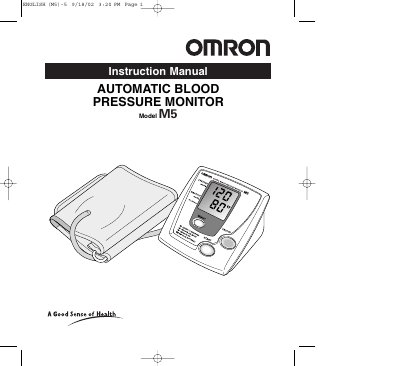
The Omron M5 Automatic Blood Pressure Monitor is a fully automatic, oscillometric device that measures blood pressure and pulse rate and displays the results on a large LCD panel. The monitor inflates the cuff automatically, detects arterial movement, and presents the readings without the need for a stethoscope.
The manual covers battery installation, optional AC adapter use, proper cuff placement, step‑by‑step measurement procedures, memory function, care and maintenance, error indicators, and detailed technical specifications. It also includes safety warnings and guidance on preparing for accurate measurements.
| Model | M5 |
|---|---|
| Display | LCD Digital Display |
| Pressure Measurement Range | 0‑280 mmHg |
| Pulse Measurement Range | 40‑180 /minute |
| Pressure Accuracy | ±3 mmHg or 2% of reading |
| Pulse Accuracy | ±5% of reading |
| Power Source | 4 AA batteries, optional AC adaptor |
| Battery Life | Approx. 300 uses (1 day, 2 min each) |
| Operating Temperature / Humidity | 10 °C to 40 °C, 30‑85 % RH |
| Storage Temperature / Humidity | -20 °C to 60 °C, 10‑95 % RH |
The monitor measures blood pressure from 0 to 280 mmHg and pulse from 40 to 180 beats per minute.