
E5CSV/E5CS-U Digital Temperature Controller User's Manual introduces features of the product, including overview, preparations, basic operations, application operations, parameters and appendices
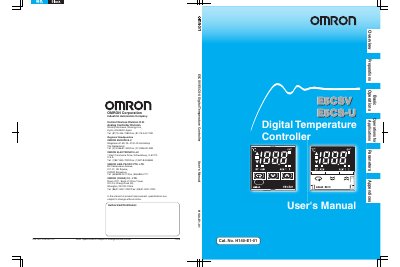
This manual describes the features, specifications, and safe use of OMRON's E5CSV and E5CS‑U Compact Digital Temperature Controllers. It covers input options, display characteristics, wiring, mounting, and troubleshooting procedures.
Safety precautions, warranty terms, and detailed wiring and terminal‑screw guidelines are included to help qualified operators install and maintain the controllers correctly.
| Supported input types | Thermocouple, platinum resistance thermometer, thermistor |
|---|---|
| Measurement precision | 1 % FS (E5CSV 40.5 % FS) |
| Display character height | 13.5 mm |
| Waterproof rating | IP66 (E5CSV only) |
| Terminal screw torque | ESCSV: 0.74‑0.90 N·m, ESCS‑U: 0.5 N·m |
The controllers accept thermocouple, platinum resistance thermometer, or thermistor inputs.
Approximately 30 minutes are required for the correct temperature to be displayed after turning the power supply on.
Tighten the terminal screws to 0.74‑0.90 N·m for the ESCSV model and 0.5 N·m for the ESCS‑U model, and never touch terminals while power is applied.