
This document is the instruction manual for the OMRON HJ-105 Pedometer, which describes the features and functions of the pedometer, as well as instructions for use and safety precautions.
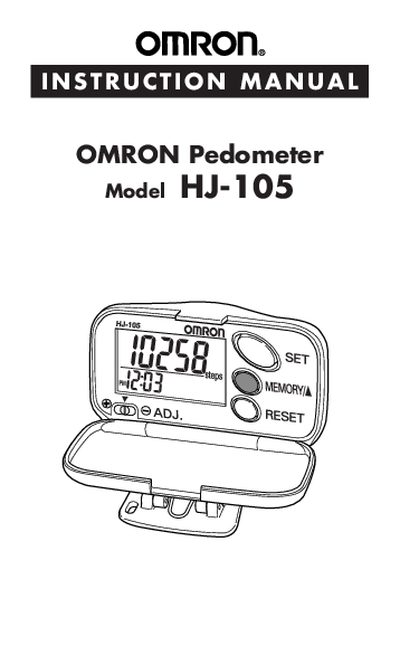
The HJ-105 pedometer is a compact, battery‑powered device that records steps, distance, calories burned, and aerobic exercise. It includes a dual display showing time and step count, a memory function for daily tracking, and a sensitivity adjustment switch.
The manual covers safety precautions, battery installation, stride‑length setting, aerobic‑step calculation, and troubleshooting. It also explains how to adjust settings such as time, weight, and stride length, and provides care and warranty information.
| Battery type | LR43 (installed) |
|---|---|
| Display | Dual display shows time and steps simultaneously |
| Memory function | Stores daily walking data |
| Aerobic step criteria | >60 steps/min for >10 minutes continuously |
| Sensitivity adjustment | Adjustable sensitivity switch |
An aerobic step is counted when you walk faster than 60 steps per minute for at least 10 minutes continuously, with rests under one minute still considered continuous.
Open the battery cover using the screw, replace the LR43 battery, and reseal the cover; dispose of the old battery properly.