
Honeywell Total Connect User Guide

This user manual introduces how to remotely access Honeywell Total Connect security system
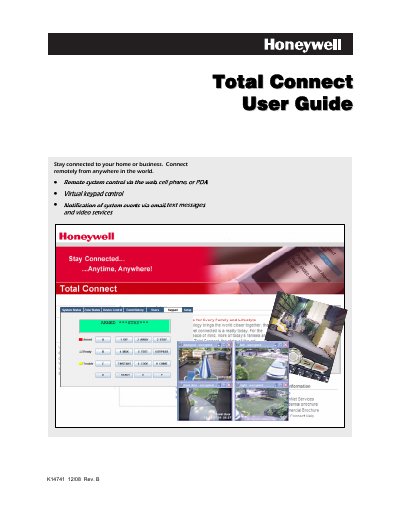

Honeywell Total Connect User Guide - cover page
Brand
Honeywell
Category
Other
Document type
User Manual
Language
English
Pages
34
File format
PDF
File size
3.3 MB
Published
07 May, 2012
Updated
01 October, 2023
MD5 checksum
AF3E1D0A1CF933C6D56D980E04737C82

About this manual

The Total Connect web portal lets end‑users monitor and control their Honeywell security system from any internet‑connected device. The guide covers account creation, PC setup, and optional video integration with Optiflex.

It also details how to manage profiles, users, device names, and how to send commands via email, SMS, or the web interface, including troubleshooting and technical support information.

What's inside

  • Overview
  • Obtaining a Total Connect account
  • Setting up your PC for connecting to Total Connect
  • Additional Settings for use with Optiflex
  • Accessing Total Connect
  • Using Total Connect
  • My Profile
  • Manage Users
  • Remote Access
  • Configure Email

Frequently asked questions

What is the SMS command format to arm the system away?

Send a text message in the format “a A  p=Arm Away”.

Download PDF (3.3 MB)

More Honeywell Manuals


View all Honeywell manuals →