
This document provides instructions on how to use the Y9420H Sundial RF 2 Pack 2, including the ST9420C Wireless Enabled Programmer and DT92E Wireless Room Thermostat. The document describes the layout of the control panels and the functions of each button.
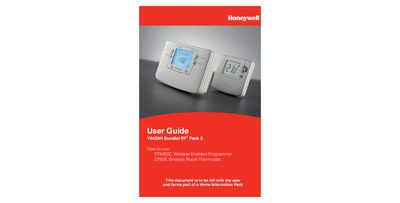
This guide provides step‑by‑step instructions for installing and using the Honeywell Y9420H Sundial RF pack, which includes the ST9420C wireless programmer and the DT92E wireless room thermostat. It covers basic functions such as setting date and time, running built‑in programmes, and using features like Extra Hour, Override and ECO mode.
Additional sections describe fine‑tuning options, boiler service reminders, energy‑saving optimisation, and troubleshooting tips. The document also includes installer configuration sheets and environmental disposal advice.
| Programming days | 7‑day |
|---|---|
| On/off periods per day | up to 3 |
Pressing the Extra Hour button adds 1, 2, or 3 hours of heating (or hot water) to the current programme for that day only.
Press the green ECO button to set a lower temperature period for energy saving; the thermostat will stay in ECO mode until you exit it.