
Operating Manual UtilityPRO TM Series Touchscreen Programmable Demand Control Thermostat 85-3126
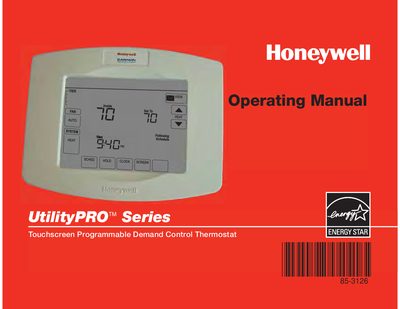
This manual covers the features and operation of the Honeywell UtilityPRO touchscreen programmable thermostat. It includes quick references for controls and status displays, programming schedules, and advanced functions such as screen lock and demand response.
The guide also details battery replacement, FCC compliance, safety warnings, and troubleshooting steps to help users maintain reliable performance.
| Battery type | CR2032 or equivalent |
|---|---|
| Battery life | Approximately five years |
| FCC classification | Class B digital device |
| EnergyStar compliance | Yes |
| Temperature accuracy | Within 1°F of set point |
The coin cell battery should be replaced every five years or sooner if the time and date reset after a power failure.
Remove the plastic tab, take out the battery tray with a screwdriver, insert a new CR2032 battery with correct polarity, and reinsert the tray.
Press the lock key for 30 seconds to lock the keypad, which allows safe screen cleaning.
The "Wait" message indicates the compressor protection timer is on; wait five minutes for the system to restart safely.