
This document is the user manual for the MK241 Series LCD Monitor. It describes the features and characteristics of the product.
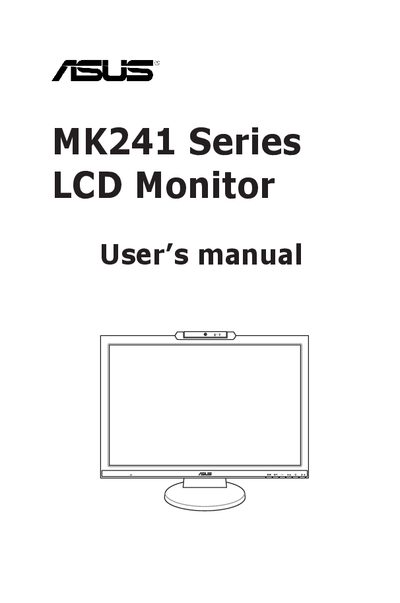
This manual covers everything you need to set up and use the ASUS MK241 Series LCD Monitor, including safety precautions, assembly steps, cable connections, and how to adjust the monitor. It also explains the on‑screen display (OSD) menu, supported operating modes, and troubleshooting tips.
Additional sections describe proper care and cleaning, FCC and Canadian compliance information, Energy Star certification, and where to find further product updates online.
| Maximum resolution | 1920 x 1200 |
|---|---|
| Maximum refresh rate | 75 Hz |
| Power supply voltage | 100‑240 V AC |
| Energy Star certification | Energy Star® Partner |
Reorient or relocate the receiving antenna, increase the separation between the monitor and the receiver, connect the monitor to a different circuit, or use shielded cables as recommended.