
This is an SANYO phone user guide.
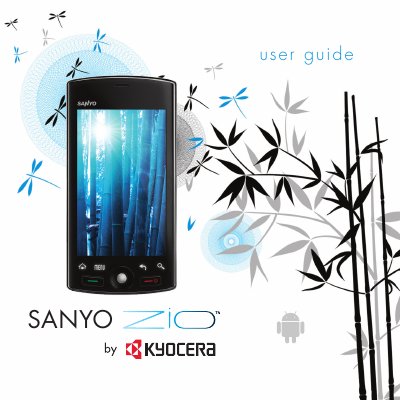
This guide covers the SANYO Zio M6000 mobile phone, describing its hardware layout, basic functions, and how to get started with the device. It includes sections on phone overview, battery handling, storage cards, navigation, and the built‑in Android applications.
Safety information such as SAR limits, FCC compliance, warnings for use near medical devices, and instructions for resetting or servicing the phone are also provided, along with a list of approved Kyocera accessories.
| SAR (head) | 1.39 W/kg |
|---|---|
| SAR (body‑worn) | 0.54 W/kg |
| RF power range | 0.006 – 0.6 watts |
| FCC SAR limit | 1.6 W/kg |
The head SAR is 1.39 W/kg and the body‑worn SAR is 0.54 W/kg.
Only Kyocera‑approved accessories may be used; unauthorized accessories can void the warranty and may be dangerous.